
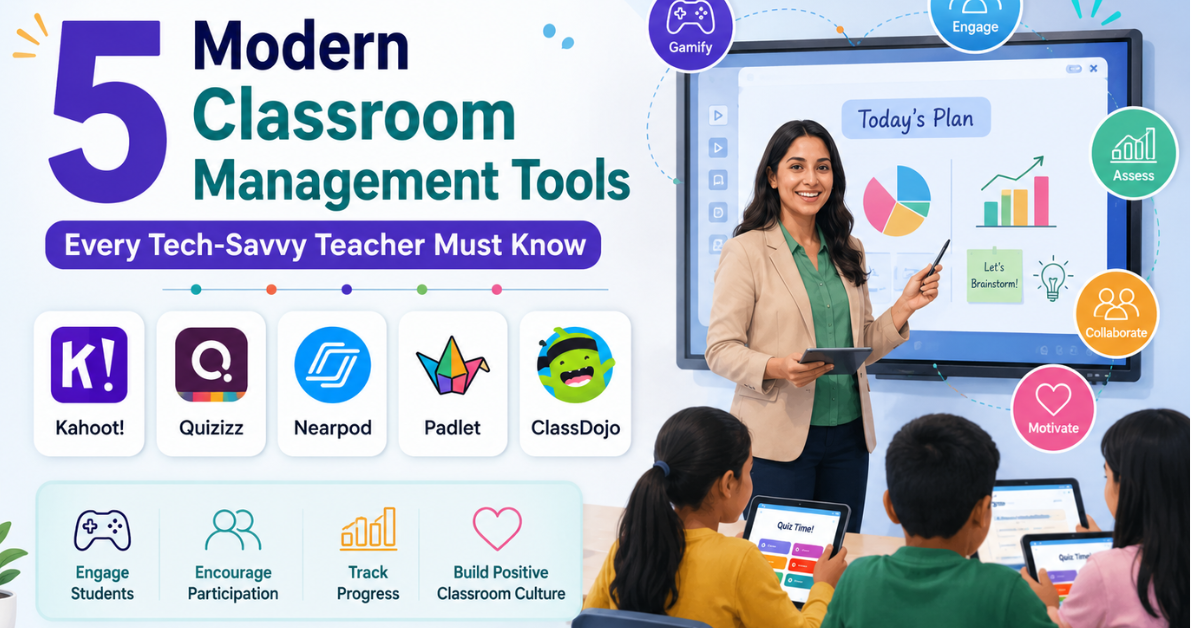
1. For Gamified Assessment: Kahoot! or Quizizz
Gone are the days when testing meant a surprise paper-and-pen quiz that caused instant student anxiety.
What it does: These platforms let you turn any topic—from algebraic equations to English grammar—into a live, multiplayer game show. Students answer questions on tablets, smartphones, or a shared smartboard, earning points for speed and accuracy.
The Human Touch: Use this as a 5-minute "warm-up" at the start of your class. It instantly wakes up a sleepy morning batch and gives you real-time data on who actually understood yesterday's homework.
Resume Tip: Mention under skills: "Experienced in designing gamified formative assessments using Quizizz to boost classroom engagement."
2. For Interactive Lessons: Nearpod
If you are still relying on plain, text-heavy PowerPoint slides, you are losing half your classroom by slide four.
What it does: Nearpod allows you to take a standard presentation and inject interactive elements directly into it. While you teach, students can participate in live polls, draw responses on their screens, take 3D virtual field trips, or collaborate on a digital "matching pairs" board.
The Human Touch: It levels the playing field. The quietest child in the back row who never raises their hand will suddenly find it easy to participate anonymously through a Nearpod poll.
The Recruitment Edge: Schools love this because it ensures active learning rather than passive listening.
3. For Visual Collaboration: Padlet
Think of Padlet as a giant, digital notice board where everyone in the room can stick a post-it note at the same time.
What it does: You pose a question, and students can post text, images, links, or even short video reflections onto a shared wall.
The Human Touch: It's great for brainstorming sessions or group projects. For instance, if you are teaching history, you can ask students to upload an image of an artifact that represents an era and explain it. It makes the classroom feel like a community workshop.
4. For Positive Behavior Reinforcement: ClassDojo
Managing a classroom isn't just about curbing bad behavior; it's about celebrating the good moments. This tool is an absolute game-changer, especially for primary and middle school sections.
What it does: Each student gets a cute, customizable monster avatar. You can award them "Dojo points" in real-time for skills like teamwork, staying on task, or helping others.
The Human Touch: It shifts the classroom energy from negative policing ("Stop talking!") to positive reinforcement ("I love how Table 2 is quietly collaborating, 1 point to them!"). Plus, it has a built-in feature to share these positive updates directly with parents.
5. For the Ultimate Digital Whiteboard: Miro or Jamboard
A standard blackboard is limiting. A digital collaborative whiteboard is infinite.
What it does: It allows both you and your students to draw, map out mind-maps, connect ideas, and sort concepts visually in real-time.
The Human Touch: Complex, abstract concepts become incredibly clear when students can visually manipulate elements on a screen. It's perfect for breaking down data science flows, storytelling structures, or scientific cycles.
Why Adding These to Your Toolkit Matters
When you walk into a demo lesson and confidently set up a interactive tool rather than just reading from a textbook, you send a powerful message to the school coordinator. You are telling them: "I speak the generation's language, and I know how to keep them focused."
Don't just write these on your resume—sign up for a free account on these platforms, play around with them, and create one sample quiz or presentation. Being a tech-savvy teacher isn't about knowing how to code; it's about knowing how to make learning human, interactive, and fun.
Weekly newsletter
Get the latest blog updates, practical hiring insights, and featured reads delivered straight to your inbox.
Read about our Privacy Policy.